

Softaculous
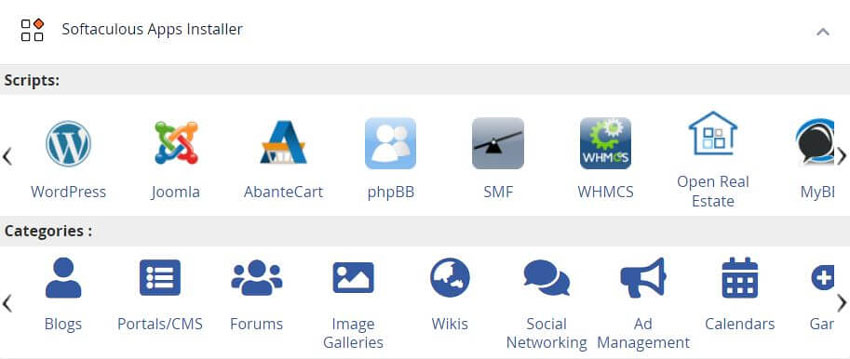
cPanel - Softaculous Installer - Softaculous AppsSoftaculousSoftaculous is a time and hassle-saving, automatic script installer that is open source. Softaculous Application InstallerSome of the best features include one step install apps, script updates, upgrades, backups/restore installations, clone installations. Check out the Softaculous Demo with demos, ratings and reviews, specifications and much more on each application available via the Auto Installer. LocationYou can find the Softaculous Apps Installer link in the "Softaculous Installer" which displays the most popular applications and the application category at the bottom of the main cPanel.
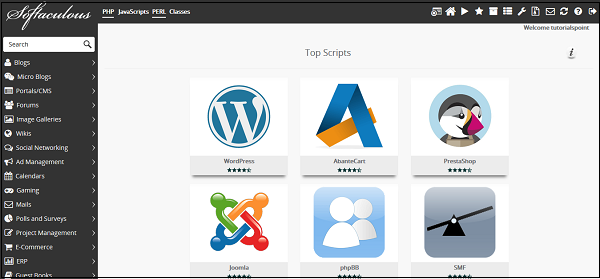
When you will click on Softaculous Installer in the Software section, it will take you to the App installer interface.
Install Application using Softaculous Apps InstallerTo install an application from the Softaculous Apps Installer, click on any of the categories on the left or search from the search box. There, you can select the application you wish to install. Click Install and follow the instructions to install the application to your website. How easy it is to use the Auto Install1.) Log into your cPanel control panel Create Backup of any ApplicationYou can easily create a backup of your application and website using the Softaculous Apps Installer, and to restore it to your account later. In All Installations, you will find the list of all applications, which are installed by the Softaculous Apps Installer. Click on the Backup icon to create an automatic backup of the whole application installation. This backup will include all the files, database, and configuration of the application. You can always restore the application by going into Backup and Restore interface of Softaculous Apps Installer, which can be opened by clicking on Backup and Restore icon from the top navigation menu. |